
Final After Effects Project:
For my final motion graphics project in After Effects I chose to do the Evolution of Listening to Music. The project takes viewers from the start of audio playback with the phonograph and ends with todays use of wireless earbuds and how listening to music and any other kind of audio has come so far.
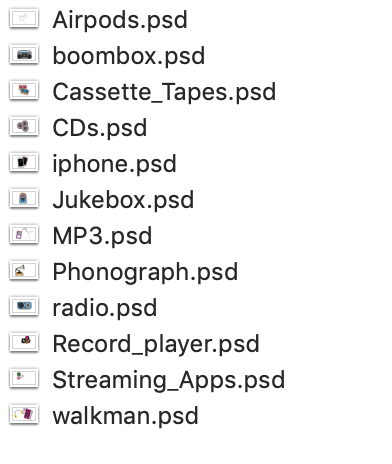
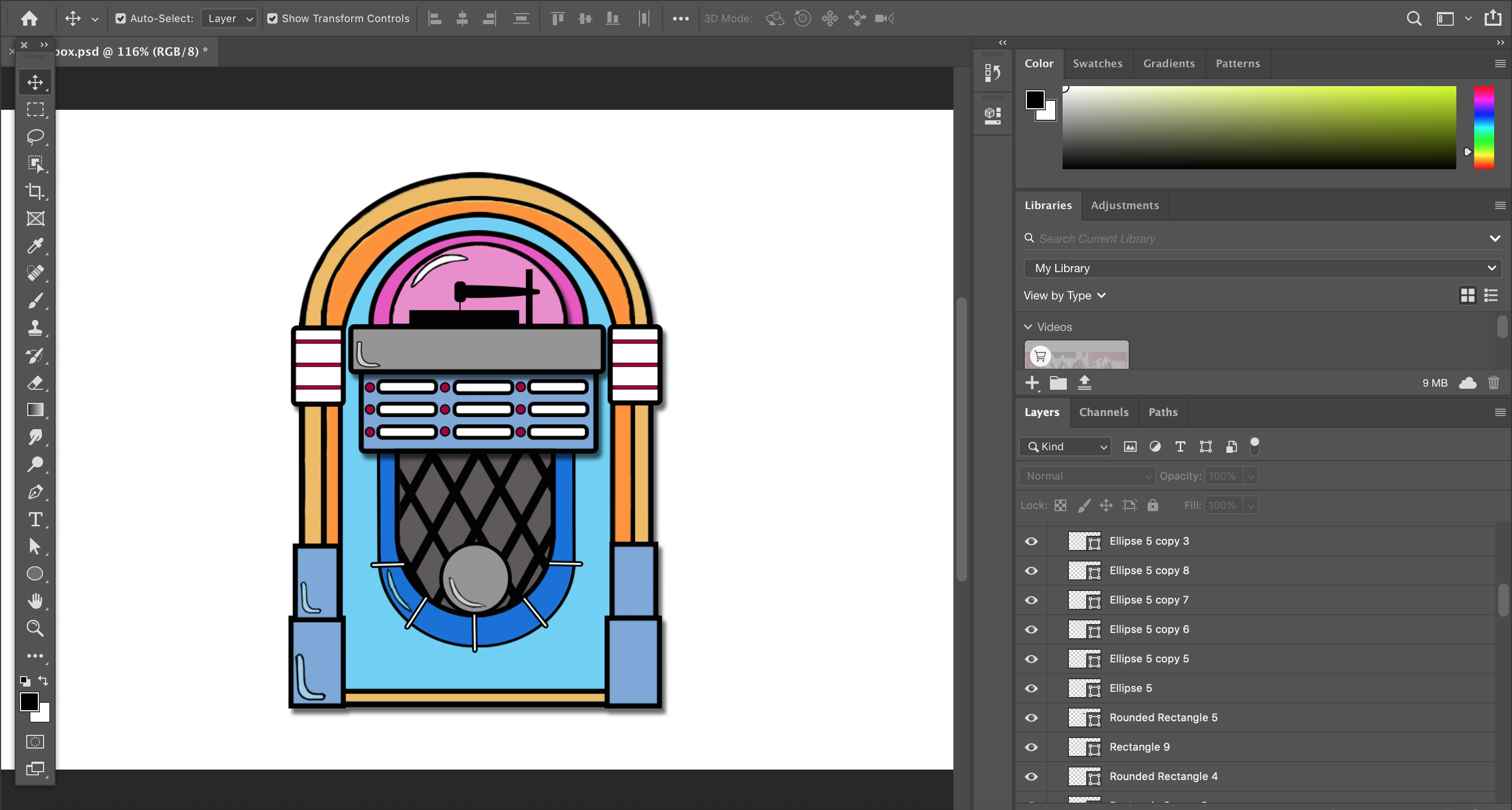
Before I began to actually create the project I had to do my research which I posted about in the section before this one. After my script and storyboard were completed I began to create all of my assets. I made 12 different Photoshop graphics of each invention through out time.
This took quite some time as some of these projects had over 60 layers in order to create the image just right. But using vector images I found for inspiration i was able to make each of them look like cartoon versions of the real things.
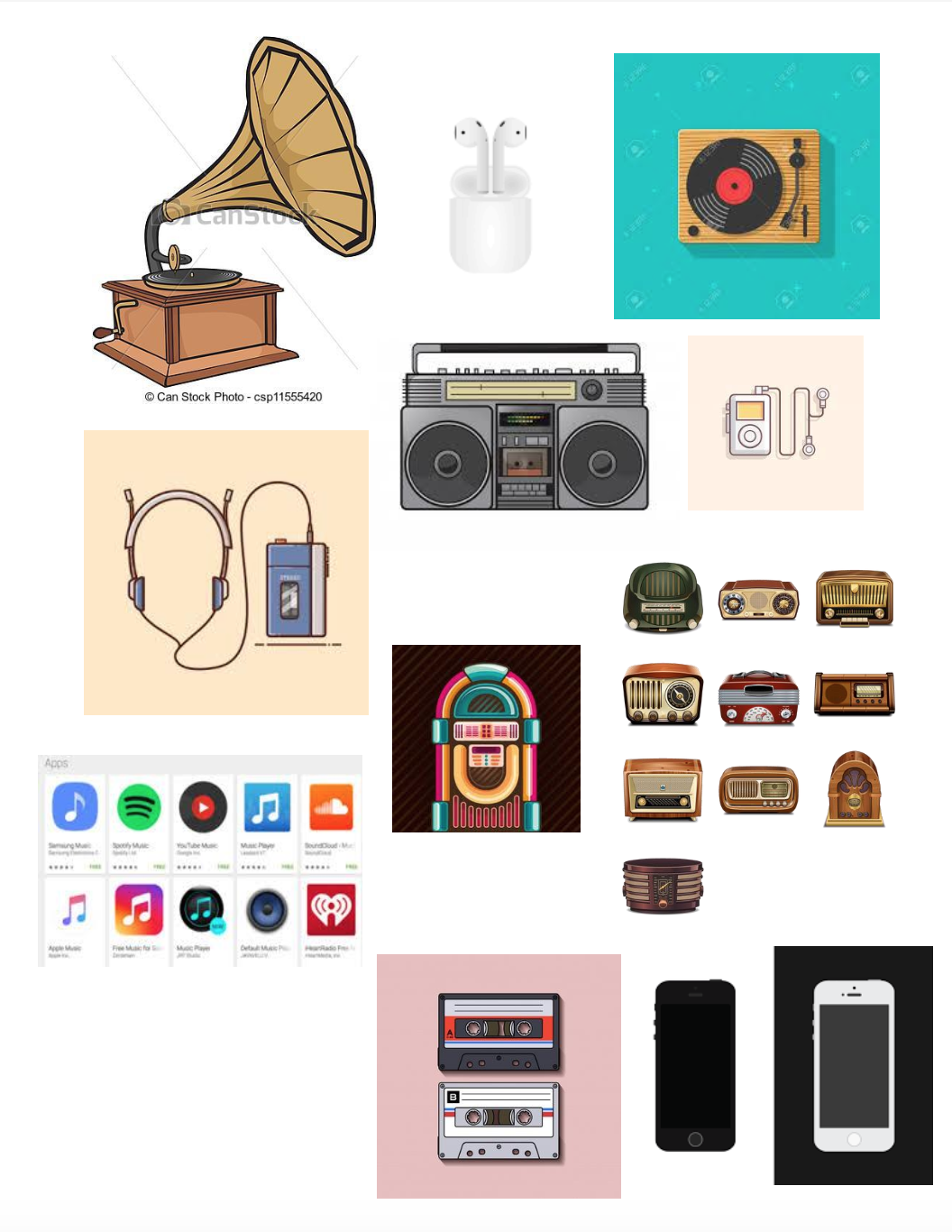
After everything was made I imported all the assets into After Effects and created 14 different compositions. Twelve of them were for each different step through the time line of listening to music and the other two were the opening and closing compositions.
Each composition then consisted of me creating a a title text, the body text that described what each new invention was and then one of the photoshop graphics I made. After all 14 were designed and laid out I had to go back and actually animate each part.
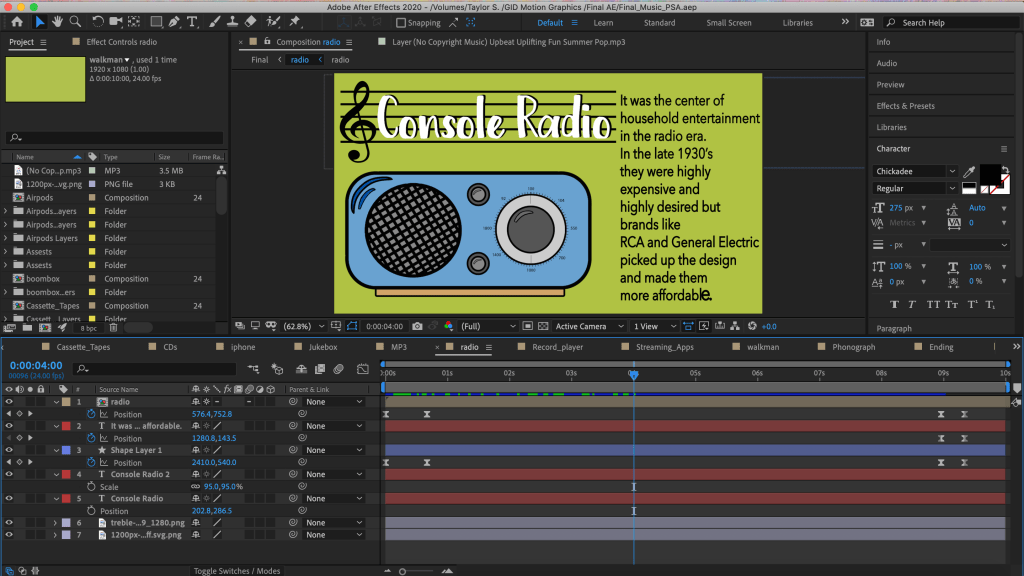
In each composition the title and image slide on and then the body text slowly trickles on to the screen and after about 9 seconds, they all swish off the screen in opposite directions and the next composition moves in. This met that for each asset in all 14 compositions I had to animate the position in and out, and then using the animation for scale and opacity, I offset when each of the body text words came on and that create the tickle effect.
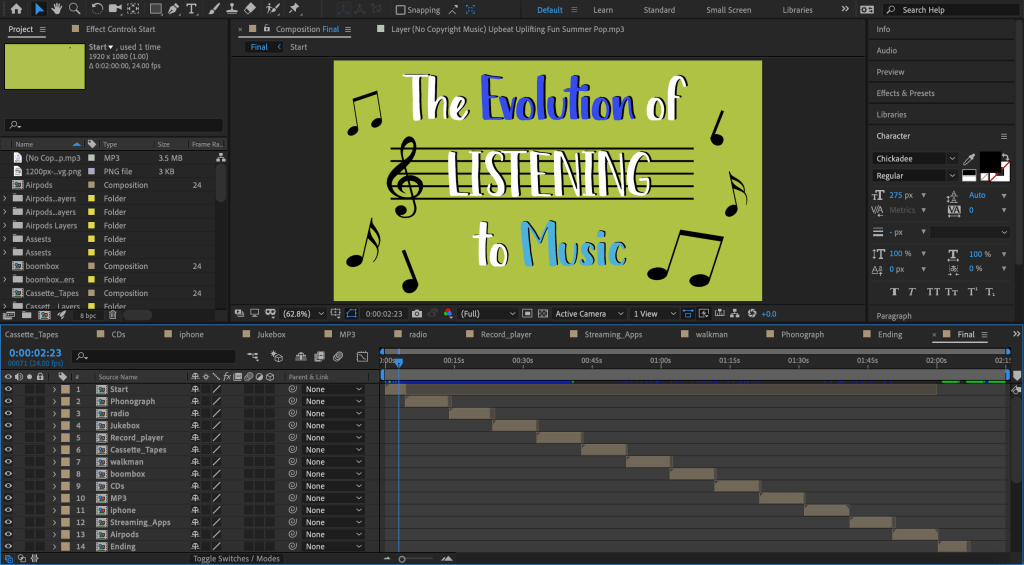
Once all 14 compositions were finished being designed and animated, I create a final 15 composition and added each of the other 14 into it which create the one continuous animated final project. I then added a solid background color and had it fade in and out at the beginning and end and found some fun non-copyrighted music to add under the whole thing and had the music fade out at the end too.
Overall the process took a few weeks to create, but I learned a lot about simple short cuts and fun ways to make cool effects on both After Effects and Photoshop. The only downside is, once I made the big final composition my laptop did not want to play it back because it just couldn’t process the size of the project, so there were a few times where I had to export the project into Media Encoder just so I could make it a small sized project that I could view and then go back and make corrections to.
Planning for my Final Project:
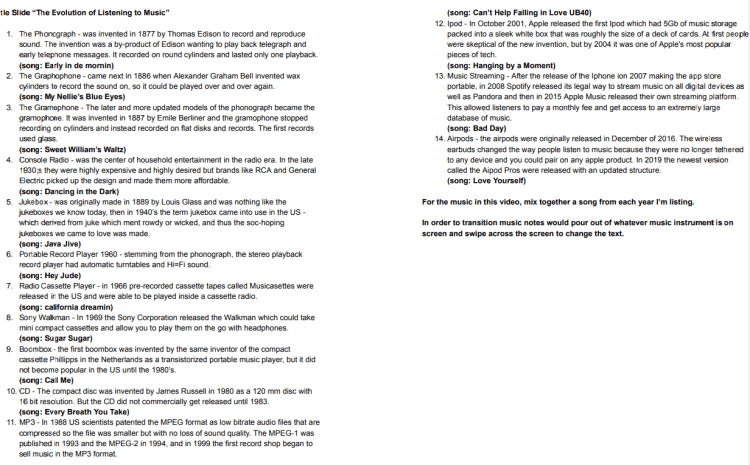
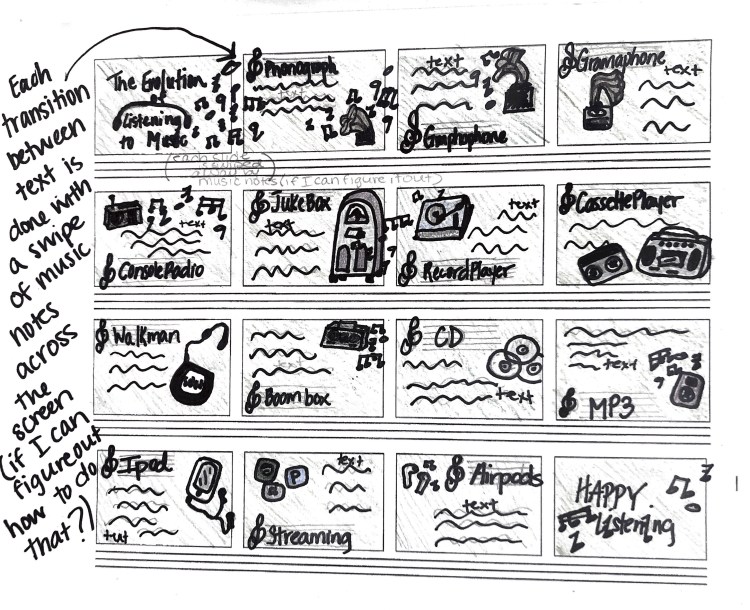
For my final PSA in After Effects, I’m choosing to do the evolution of listening to music. So basically the whole project is going to take from the invention of the phonograph to whole bluetooth Airpods have totally changed the landscape of music listening.
In the first photo you’ll see the script that I have researched and written up about each item on the timeline. I’ve also included the different songs that were number one from each year that that invention was created. I want to take each son and mix it into one track to go behind the PSA.
In the second photo you’ll see a storyboard of how I want each part laid out and how I would like to create transitions between each slide. I’ going to start by making all the musical assets in Illustrator and Photoshop and then bring it over to After Effects to animate.
At this point it is about 16 slides long, and since I’m going to have to edit completely on my laptop due to the outstanding circumstances, I may have to shorten the history of listening to music and make it less slides, but I will cross that bridge when I get there. For now this is the plan.
Stop Motion Practice

After downloading the “Stop Motion” app for my phone I struggled multiple times trying to figure out something fun and creative. My first attempt was using seashells on my deck to try and spell out a word, but in the end it didn’t look good and my phone shook way too much.
So the second time I went to do it I ducked taped my phone on top of two buckets and came up with the color book page idea. In the end I like the idea, but I would go back and do it again and tape the coloring book page to the table to it doesn’t move at all during the making of the stop motion.
Photoshop Cinemagraphs
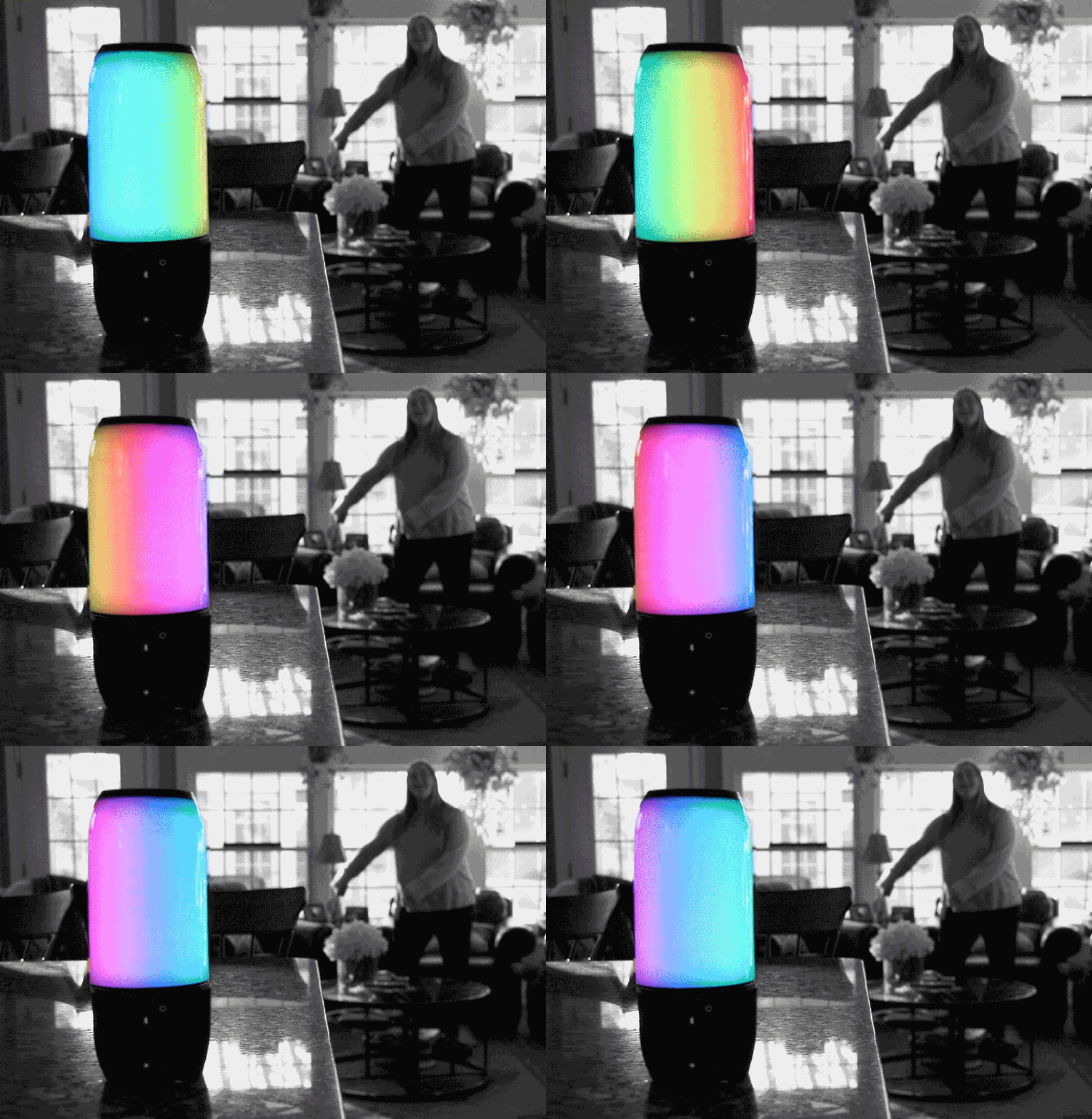
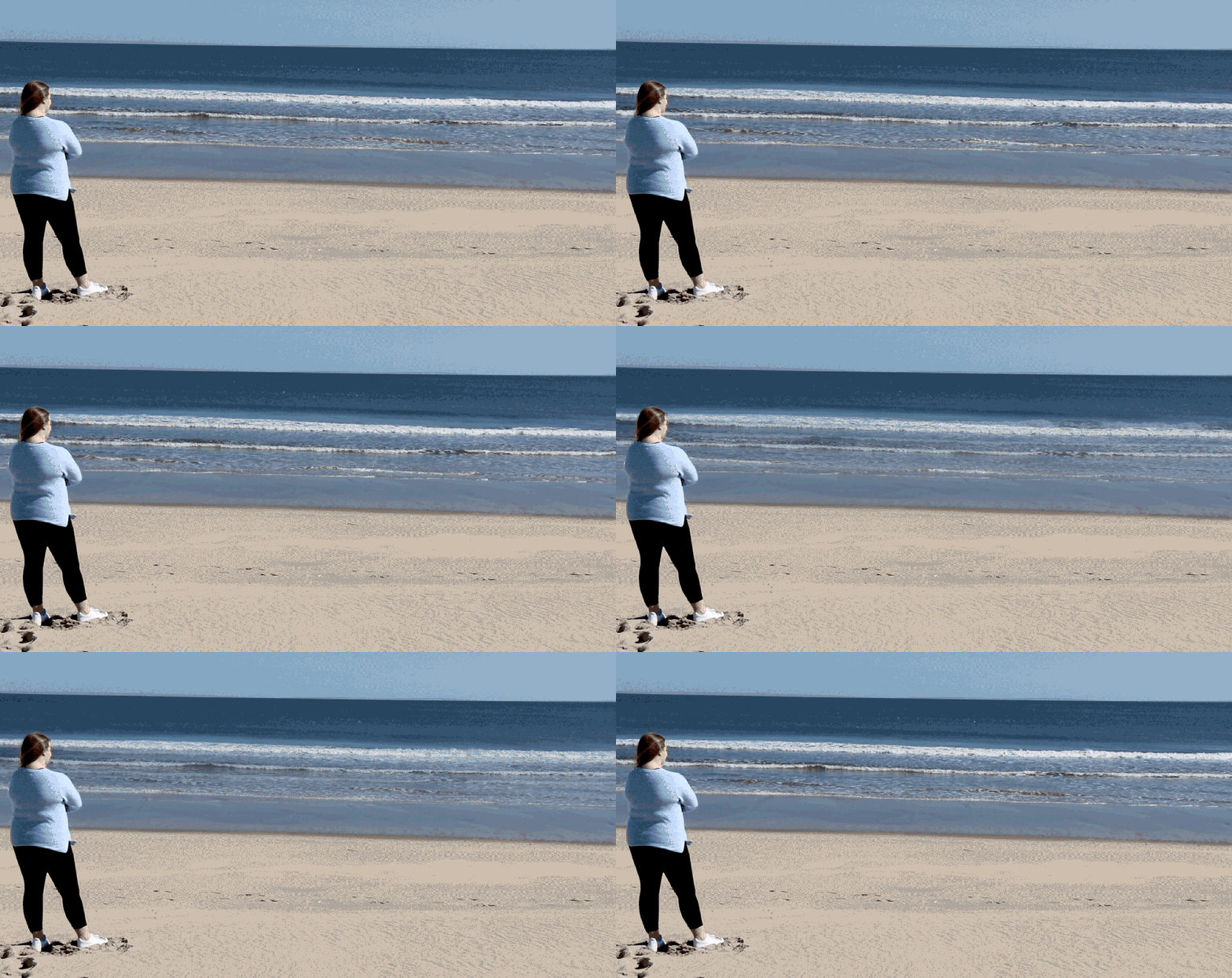
While working on the Photoshop cinemagraphs I found that once I learned how to actually make them on the photoshop timeline, I know have many more ideas to to create different versions.
At the beginning though, I struggled. I tried to first do a paint dripping cinemagraph but I couldn’t get the subject to be stable enough to get it to lock. Then I tried doing a hand scrolling through their instagram feed but again the phone was too shaking, so I think if I were to do it again, then I would have the subject place the phone on a flat surface.
If I were to do the ocean cinemagraph again, I would get closer to the water and have my subject sit in the sand and lower the camera so the composition of the shot would be more flattering and I would be able to catch the depth of the waves better for the movement of the cinemagraph.
For the speaker one, I would try to expose the speaker in the camera better so that I don’t lose some of the data when I’m editing it in photoshop.
Photoshop Timeline GIFs:
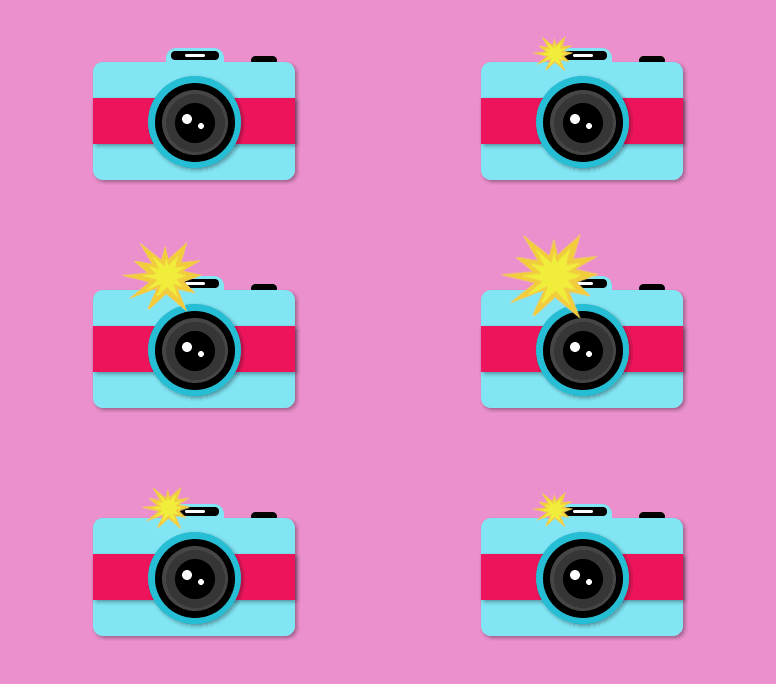
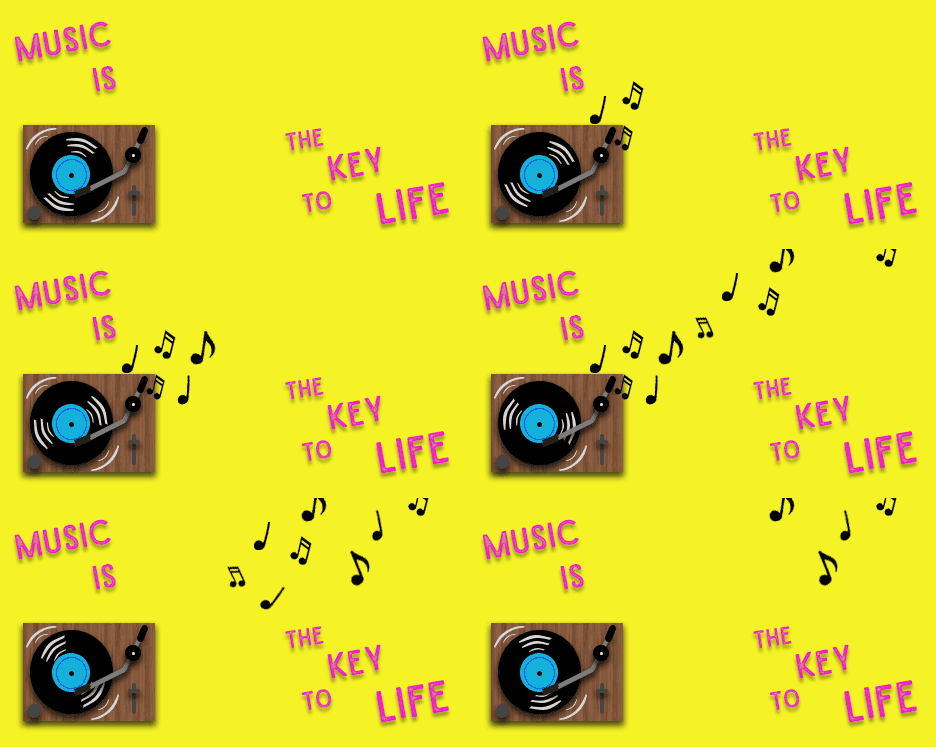
Using Photoshop Timeline, I created these two GIFs. For each one I used different shapes, colors, textures, and shading to build the camera and the record player and then I began to add the motion.
For the record player and cut out a bunch of music notes and just continued to copy them and change their direction and size, I also went and for each from changed the direction of the motion lines on the CD so that it looked like it was spinning. The goal was by the time the CD created a full loop, that the music notes would have all appeared and disappeared in order to create a constant looping GIF.
For the camera, I just created to flash colors and started with no flash and then had the flash grow three sizes and then shrunk it back down so that it went away again and so the GIF could always continuously loop.
 taylorsniffen.com