

Readings:
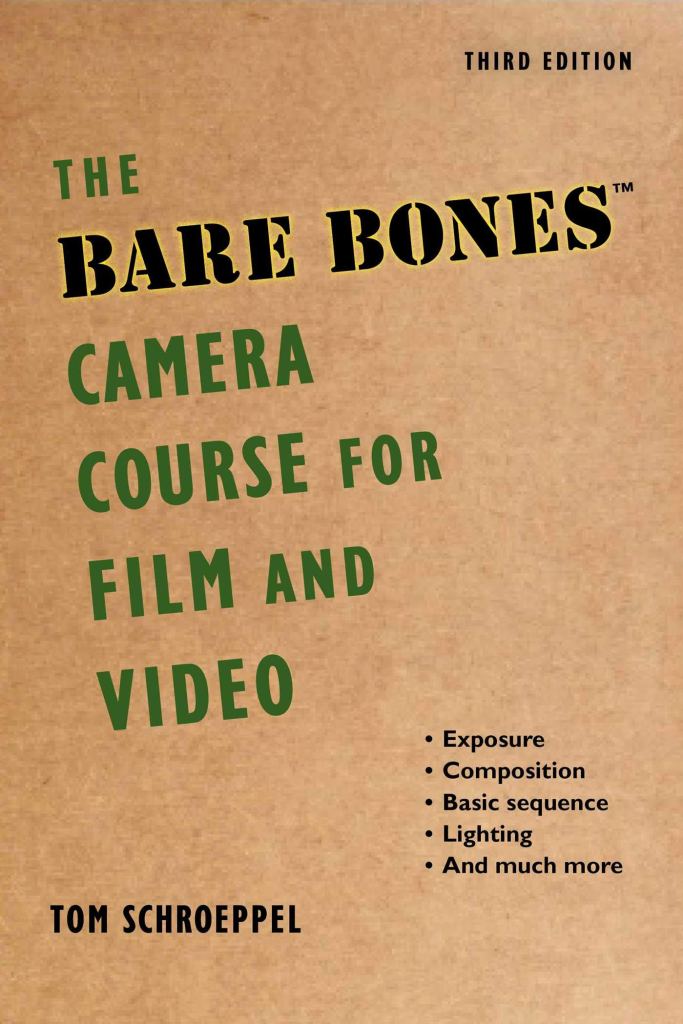
In the readings this week, I read chapters 3 and 4 out of Tom Schroepelle’s “Bare Bones Camera Course for Film and Video”. In chapter 3 he talks about creating sequences and how in order to create a compelling sequence you need to use different shot types. This includes wide, medium, close up and extreme close up. But when using these variety of shots you can’t just change how far or close you are to the same subject you need to varying the angle and the framing on the subject. Schroeppel says that a good rule of thumb is to change the angle in each camera shot at least 45 degrees and of course while doing that you also can not cross the 180 degree axis line in your scene.
Another way to have smooth transitioning between shots and make sure the editing isn’t too jarring to your viewers is to do something called a match on action. Where the movement started by an object or a person matches up with the action in the next shot perfectly. A simple example of this is if a character goes to grab a cup in a wide shot the cut to the close up of the cup should have their hand coming in and picking up the cup at the exact same place that you cut away from in the wide. Schroeppel said, ““If a movement begins in one shot and ends in the next, your viewer’s eyes will follow the action right across the cut, without paying much attention to anything else”.
In chapter 4, the book talks goes into detail and the importance of paying attention to screen direction. Schroeppel explains that screen direction is the direction that people and things face when viewed through a camera. When creating and cutting a scene there is an imaginary line the cuts through the scene. This is called the 180 degree line. It’s used to establish where people and things are in the scene and it gives the audience their bearings when viewing something. If you cross the line with your camera and start shooting from the other side all of a sudden you confuse people. “you reverse the screen direction of everything you see through the camera, even though nothing has moved but the camera.” (Schroeppel).
As long as you don’t cross the line with your camera shots then you are free as a director to move objects and people through out your scene with smooth continuity cuts and the audience will understand. Of course you can cross the 180 degree line in your scene but if you’re going from one side to the other you need a neutral shot in between to help transition the audience. For example if your shooting a conversation between two characters at a table using OTS shots then you would be over character one’s right shoulder with character 2 on the left side of the screen and then when you reversed you would be over character two’s left shoulder and character one would still be on the right side of the screen, but if all of a sudden you wanted to change what side you were shooting them on you would have to cut to a two shot with both characters straight on at the camera so the audience knew where they were in regards to the rest of the room.
Continuity Inspiration:
The small scenes used as examples in this video show not only great continuity editing, like match on action or matching eye lines but also pacing, motivation for cuts. It’s a great video for giving all sorts of examples on editing with purpose and not just for fancy reasons.
Bohemian Rhapsody is a fantastic movie but the editing in both this scene and a majority of the movie is suspect. In the scene where they are first meeting their new manager. The cuts move at such a fast and unmotivated pace that the audience can’t get their bearings and the continuity half the time doesn’t match with their eye-lines where there hands were and when the action finishes. For example when the manger first grabs the chair in one shot it makes a specific noise and movement, but then they cut away to another member of Queen and then cut back to him and the same movement and sound occurs again as if he was stuck in time during that cut.
The Hangover Part 3 uses a lot of continuity editing when cutting together their scenes but I think one of the best uses of it is in the opening scene when Zac Galafanakis’s character is talking to the kid in the moving car with the giraffe in the back of his car and both Zac and the kid keeping looking at each other and the giraffe and their eye-lines meet up perfectly every time when they cut. This was even harder for both the actors acting and the editors to make sure everything matched up because the giraffe wasn’t actually there.
This is one of those scenes, that when my friends and I were watching for the first time we noticed something weird right at the end of this clip. If this is supposed to be a wide of Captain Jack stepping off the boat and then cuts to a close up of his foot on the dock and then walking away but what we saw was one foot coming off the boat and the complete other foot coming onto the dock. It seems like a pretty big continuity error to us and other Youtube sin casters have also noticed it.
My How-To Video:
For my How-to video I started by thinking of a simple idea that I knew would have good visual steps. That lead me to making breakfast since I could easily show all the different steps in the kitchen and I knew that each step would have great sound effects like pouring and scraping and ice clinking.
While filming my sister in the kitchen, I continuously made her do each action over and over again each from a different focal distance and slightly different angle with out ever crossing the 180 degree line. I also had to make mental note each time of where she put something down on the counter and make sure she didn’t move it in between the change over from the wide to the close up and I made sure to constantly check what hand she did something with so that when I cut between them she didn’t magically change hands.
Then after both pre-production and production were done I went into editing. When editing the different shots together I wanted to make sure I had smooth transitions with well lined up match on actions. This met going frame by frame making sure that in the wide of medium shot as her hand got close to the bowl or coffee cup I cut into the close up and started the shot exactly where her hand landed in the wide before it. I also tried to make sure she had clean entrances and exits in and out frame so that there were no jarring jump cuts. I think I managed that for all the steps and it something didn’t exit perfectly I tried to use an interstitial shot/ cut away so that I could move her freely in the nest shot.
Then to clean it all up I added some extra sound effects to some of the ones I had already naturally recorded while filming and added my own narration so that the video was easily understandable and the audience wasn’t just relying on the text steps. And finally rounded the whole video out with some back ground music to give it some nice ambience.
 taylorsniffen.com