
Basic Motion:
Animation is an incredibly versatile art medium. It can be used in all types of movies, television shows, social posts, info graphics and so much more. Unfortunately when someone says animation the first thing people think of is a complex kids movie or out of this world VFX animation. In reality anyone can make a simple animation and even something simple can be extremely creative and entertaining. In Liz Blazer’s book, Animated Storytelling: Simple Steps for Creating Animation & Motion Graphics, Blazer breaks down animation into 10 simple steps.
Concept:
In order to create an animation or a story of any kind you have to know what you want to make. The brainstorming process and creation of the idea is known as “concept development”. Whether you’re working by yourself, in a team or for a client you want to start with a creative brief. This established the who, what, when, where and why of the project and makes sure everyone is starting on the same page.
From their you’ll want to create the big idea or big concept of the project and then once that’s solidified you’ll want to work on hammering out the smaller details. Post-it’s help make this process easier and more free flowing and eventually you want the project to be narrowed down to 3 to 5 main points in the storyline.
Previsualization:
The next step in creating an animated story is figuring out what the big concept you came up with is actually going to look like. This step is where you create the concept art and find what styles are going to look best for your story. The best place to get started is to pull inspiration from other popular works and see what you like. Blazer’s biggest warning though is to make sure you don’t get too close to the original where it almost looks like your just copying it. Another big step in this process is to start formulating a script to go along with what it’s going to look like, but another big tip is to never become attached to the exact script because it’s only natural for things to change.
Assest Building:
The final step in the pre-production part of animating a story is building the pieces or “assets” that are going to be needed in the animation. This includes any characters, objects, text phrases, logos, sound effects, background environments and even just plain colors. One big to thing to keep in mind while building the assets is that you may bot be able to fully finish them until you are animating with them so just like the script don’t become too set in stone with any of them.
GIF Inspiration:
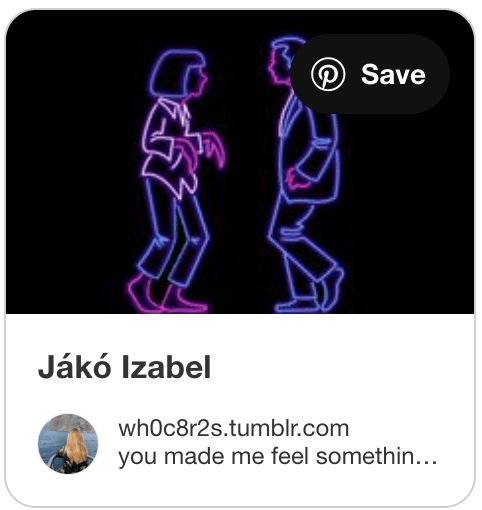
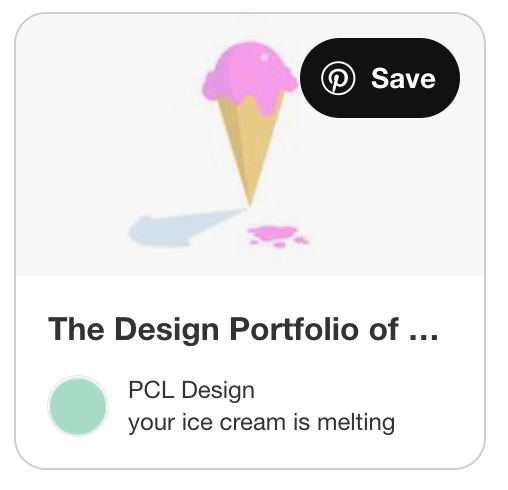
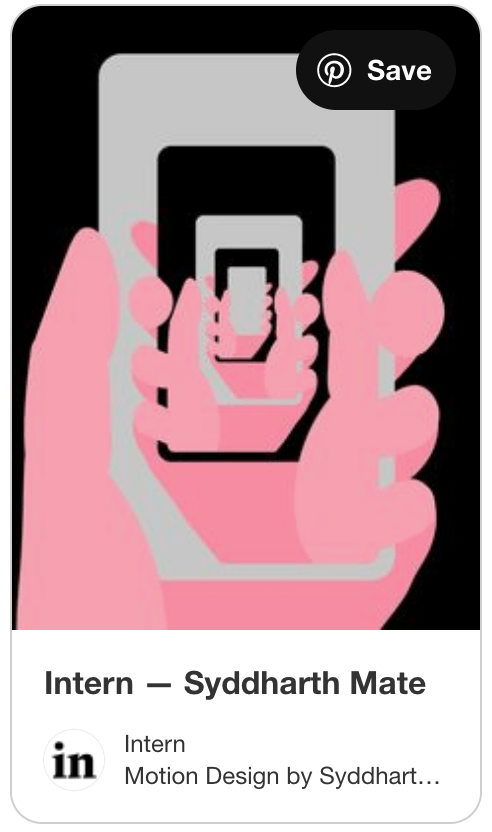
In order to create anything you always need to start with some sort of inspiration so even before this course started I had a Pinterest board with countless, gifs, cinema graphs, stop motions and animations pinned.
- The first one inspired by the use of colors and the neon style. But I also liked how even with the simplest of motion I knew exactly what scene from what movie it was portraying.
- The pink ice cream dripping was a huge inspiration for my first photoshop gif. I saw how cute this gif was and wanted to see if I could recreate one in my own way.
- I like the animation of the line. I want to be able to teach myself how to animate something similar where the gif looks like a line is being drawn.
- This gif was one that was also used in class as an example, but was previously pinned in my Pinterest board a while back. I love the cute popsicle idea and taking this one and number 2 together helped me create the concept for my first gif in class.
- I love the color choice in this one and it’s seamless match up at the beginning and the end. It’s one of those gifs that you can just get lost in.
- I am a camera nerd, which is why the gif interested me right off the bat. In a previous class to this one I had made an animated camera gif. But I like how this one moved the objects in and out of frame and I thought about this look when trying to animate my spaceship.
My GIFs:
My three different gifs that I had to create this week using, photoshop, animate and a software of my own choosing, show how I am as a creator very well. All three incorporate some of my favorite colors, phrases, and even places.
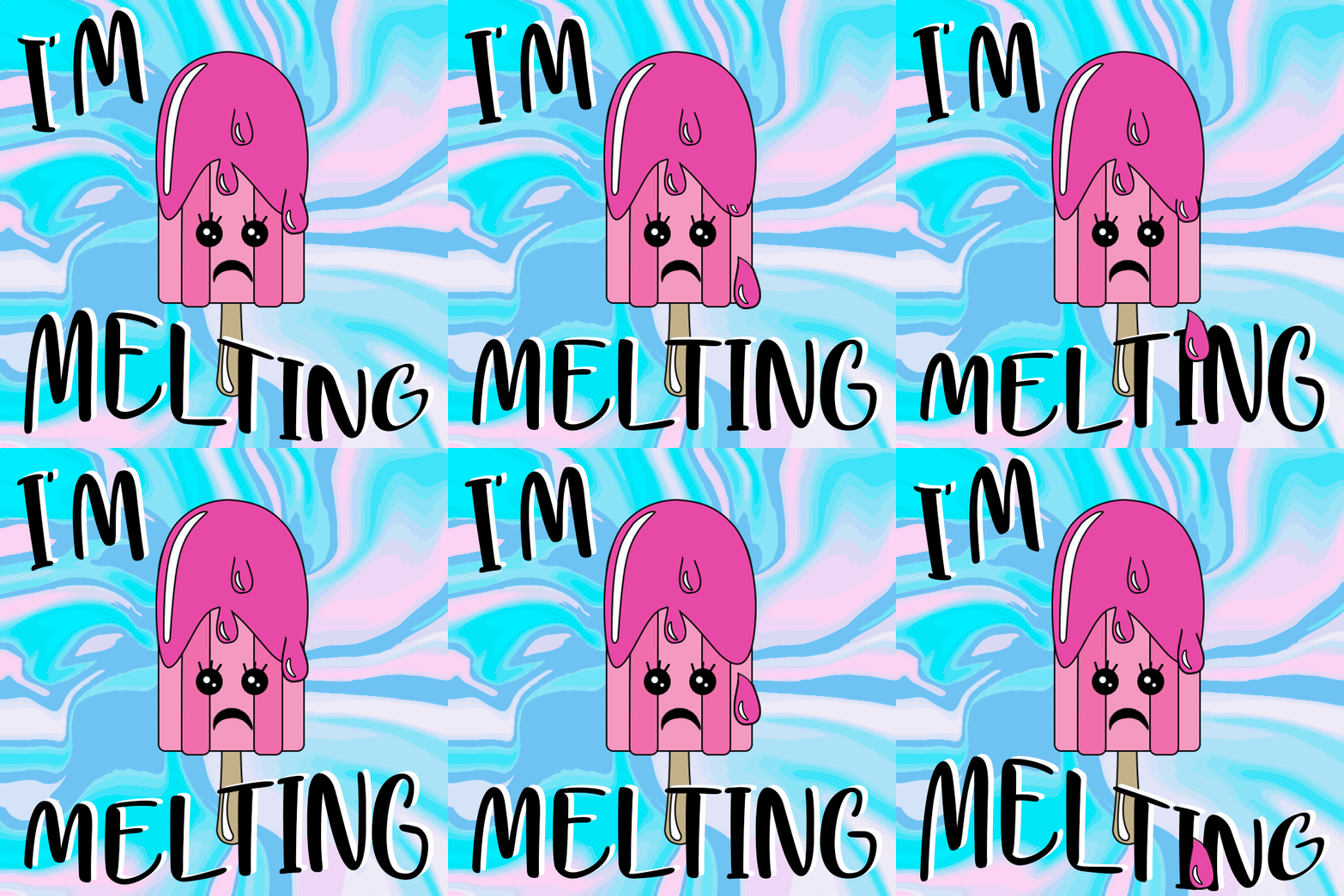
The first one I made was using object shapes and the timeline workspace on photoshop. I created an ice pop that is melting and using different key frames was able to more the melting drops and the words. After over 10 different key frames the words and ice pop meet back up perfectly to continue the seamless gif.
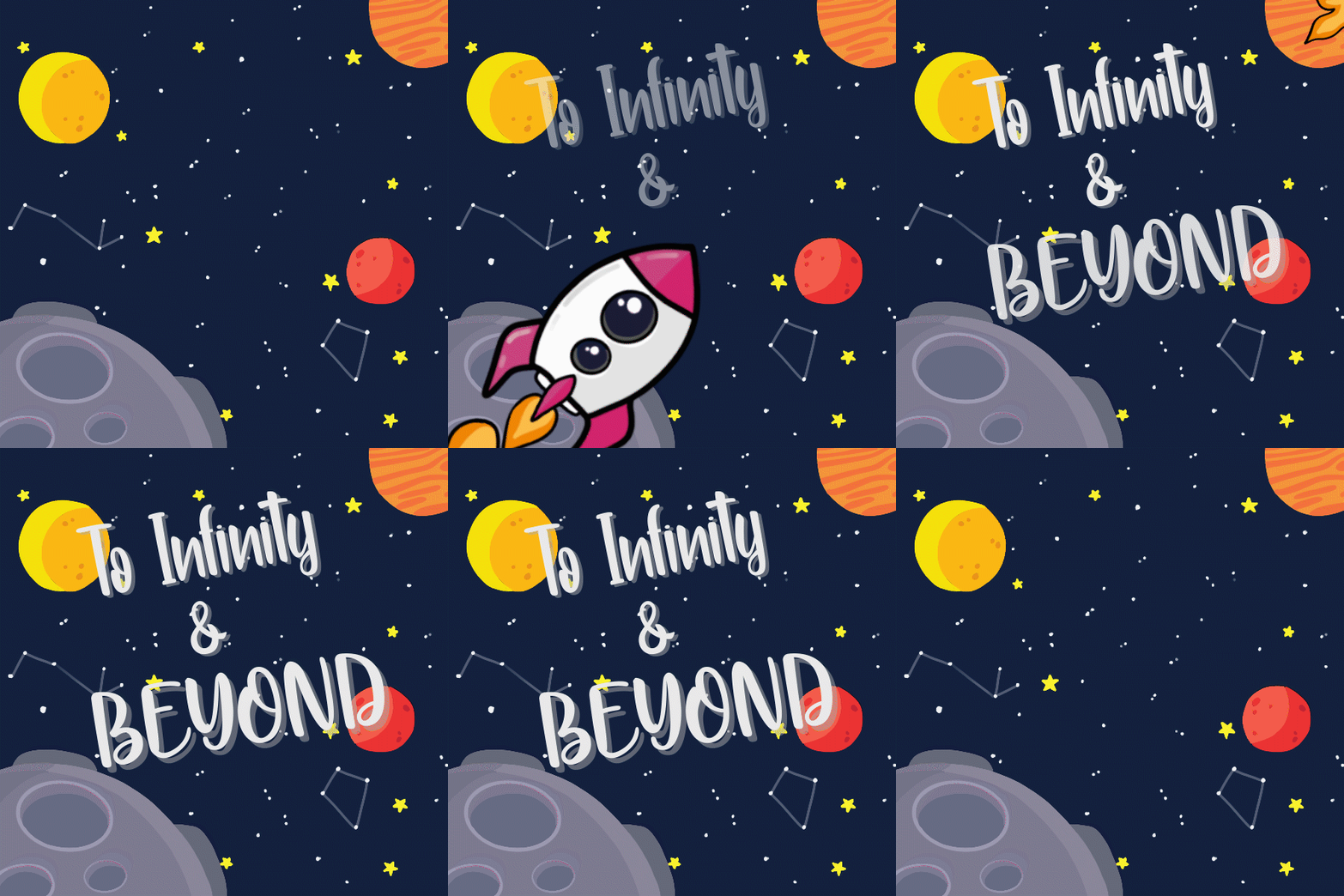
For my second gif I used the software adobe animate. This was my first time using the software so I wasn’t very comfortable creating the background in it. So I drew the back ground and the rocket on procreate and then brought the assets in and tweened the rocket to look like it was flying off into space. After this though I felt the animation was very empty so I bought it into After Effects and added the phrase from my favorite animated movie “Toy Story”.
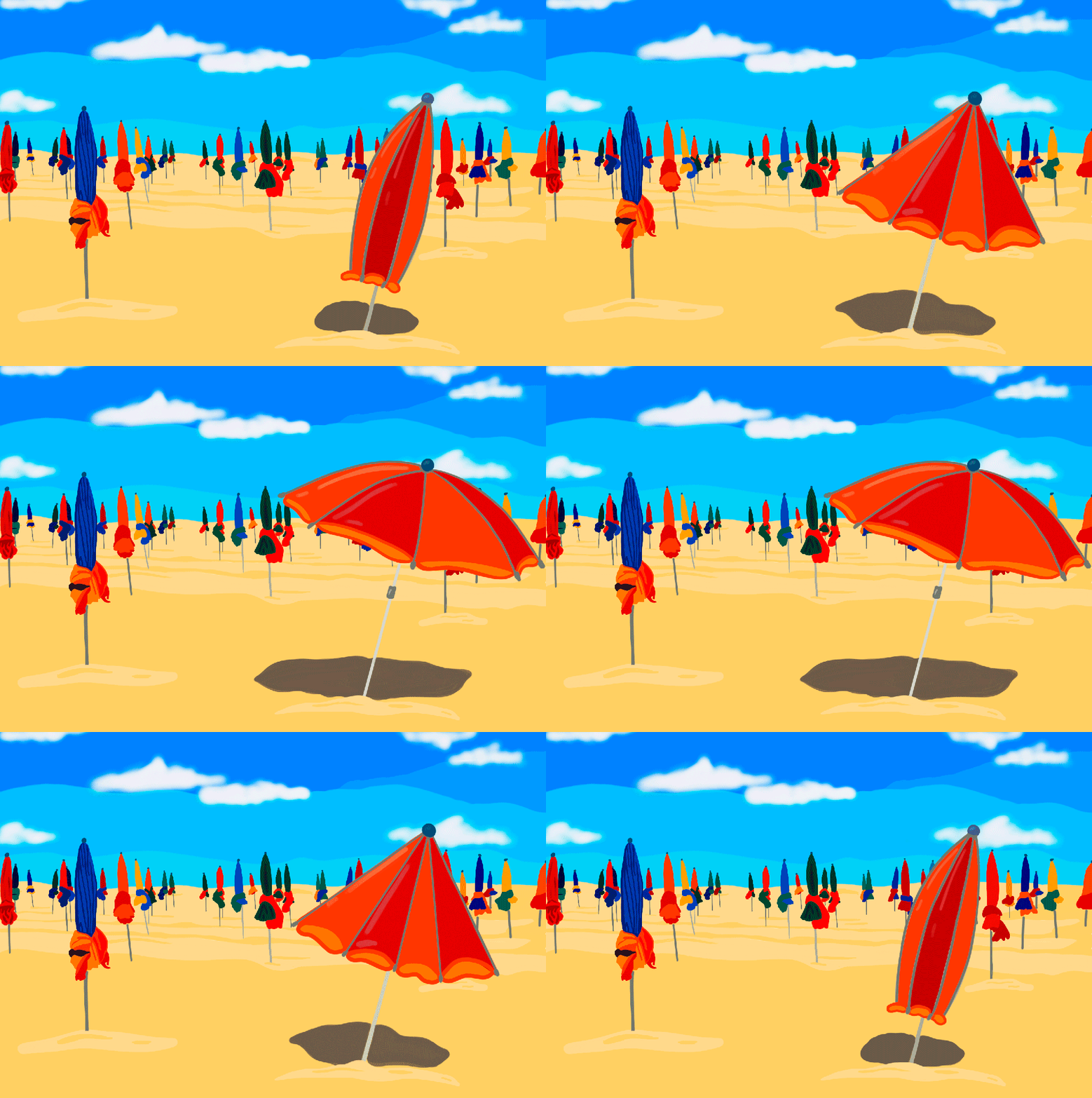
My final animated gif that I made this week, I chose to challenge myself and draw each individual eye frame of the gif on my iPad in procreate and then put them all together to make a gif. Once I finished the background, I copied it over 5 different times and drew 5 different positions for the umbrella to make it look like it was opening and closing. The hardest part of this one was getting the pole of the umbrella and the shadow underneath to math and look just as seamless and the top section.
Overall, the beach is my favorite place in the world and in the end this gif came out to be my favorite of the 3.
 taylorsniffen.com